

Multi-domain
Serve several domains from one install. Visitors pick a domain when they create an address.
01 Overview
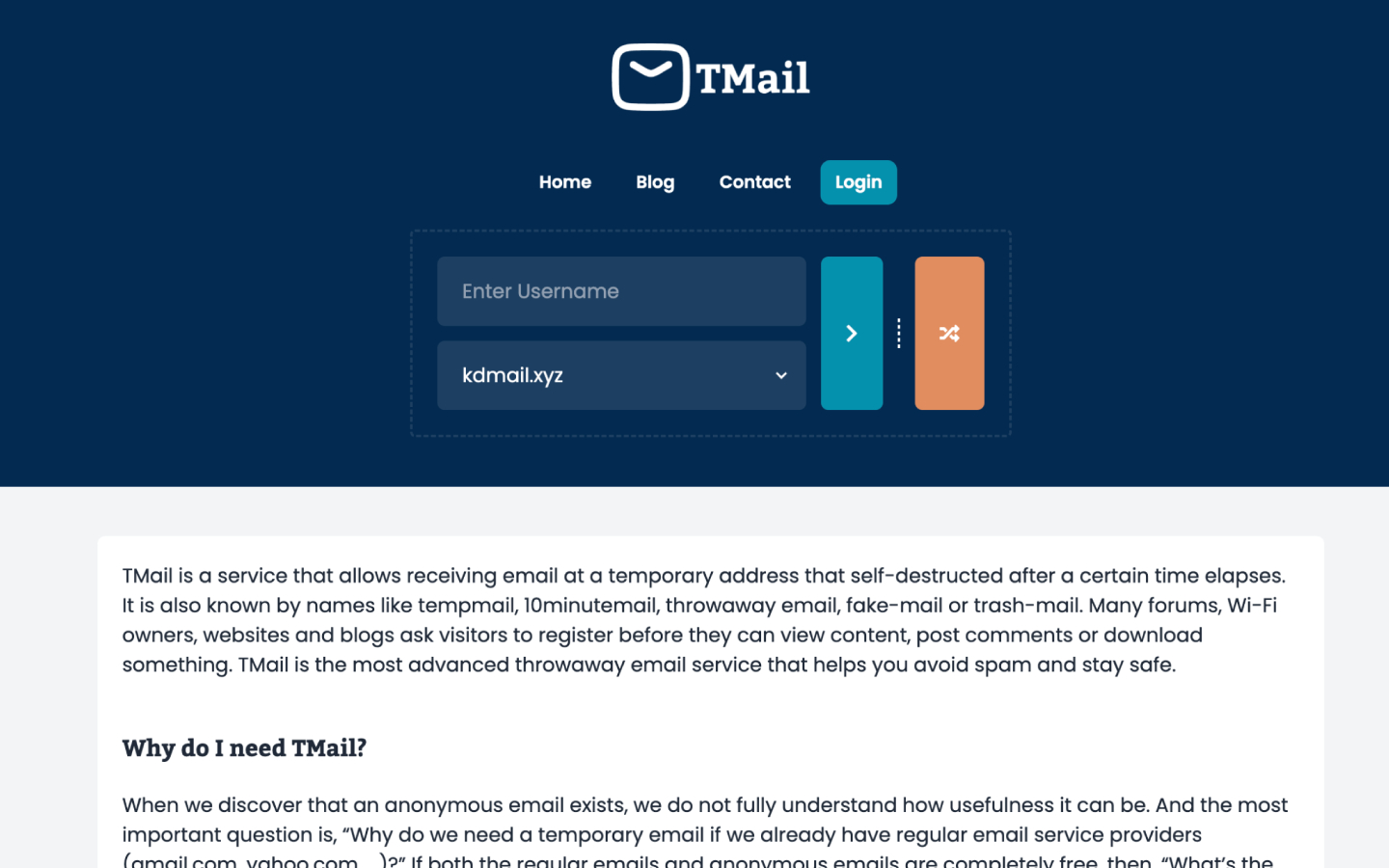
TMail is a PHP 8.3+ Laravel script for a multi-domain temporary email website. End users create disposable addresses; you choose the domains, the theme, and how the site earns. Mail arrives through IMAP catch-all as virtual IDs — TMail does not create real mailboxes. Install it on a domain or subdomain in about four minutes. Five themes ship with the product: Default, Groot, Mantis, Drax, and Nebula, a mix of free and paid.
02 Features
The public site for generating addresses, an admin for running it, and an API if you want to build on top.
Serve several domains from one install. Visitors pick a domain when they create an address.
Incoming mail is mapped to virtual IDs. TMail never provisions a real mailbox for each address.
List domains, create an address, read messages, and delete — enough to drive your own front end.
Homepage slots at the top and bottom, plus custom CSS and JS for your own networks and tweaks.
Default, Groot, Mantis, Drax, and Nebula — a mix of free and paid skins, all mobile-ready.
Stats, colour customisation, logs, attachments, and a real-time inbox for the mail that comes in.
03 How it works
Point a domain, connect catch-all mail, and open the site. Most of the work is hosting, not code.
Run the installer on a domain or subdomain. PHP 8.3+, MySQL, and a Laravel-capable host are enough. Plan on about four minutes, not an afternoon.
Forward incoming mail to one mailbox and let TMail read it over IMAP. Addresses are virtual; nothing is created per user on the mail server.
People generate addresses and wait for messages. You add homepage ads, custom CSS or JS, or call the REST API from your own app.
04 FAQ
No. Current versions need a full domain or a subdomain. A folder under an existing site will not work.
No. It uses IMAP catch-all and virtual IDs. Visitors get an address to share; the mail server still has one catch-all inbox, not a mailbox per user.
PHP 8.3+, MySQL, IMAP (with catch-all and search), and the usual Laravel extensions. Most mainstream hosts already cover this. The public site is mobile-ready out of the box.
Homepage ads at the top and bottom, plus custom CSS and JS if you want your own network or layout. Paid themes are extra skins. The REST API is there if you wrap TMail in something of your own. One buyer put the front end simply: “The user interface of TMail is awesome.”
05 More from thehp
Temporary SMS, rented or public.
A Laravel app for inbound SMS from any HTTP gateway. Public inboxes, rentals, wallets, Stripe, and webhooks.
Explore tSMSDNS checks from servers you add.
A DNS checker you host, as WordPress or PHP. Ten record types, WHOIS, DMARC, blacklist, plus a map of nodes.
Explore Global DNSAll your channels in one widget.
A WordPress widget for WhatsApp, Telegram, live chat, email, and callbacks, with timezone-aware agent hours.
Explore AIO ContactOfficial WhatsApp API marketing.
WhatsApp marketing on Meta's official API: campaigns, a shared inbox, chatbots, and a free forever plan too.
Explore SamvadWhatsApp campaigns, your number.
WhatsApp campaigns from your own number. Start sending messages instantly with delivery reports.
Explore Prasar